Motion-Core
Software I built end to end: authoring, validation, simulation and a runtime that drives industrial robot arms from hand-authored animation at 100 Hz under continuous safety gating.
Motion-Core sits between an animator's keyframes and the arms.
The pipeline
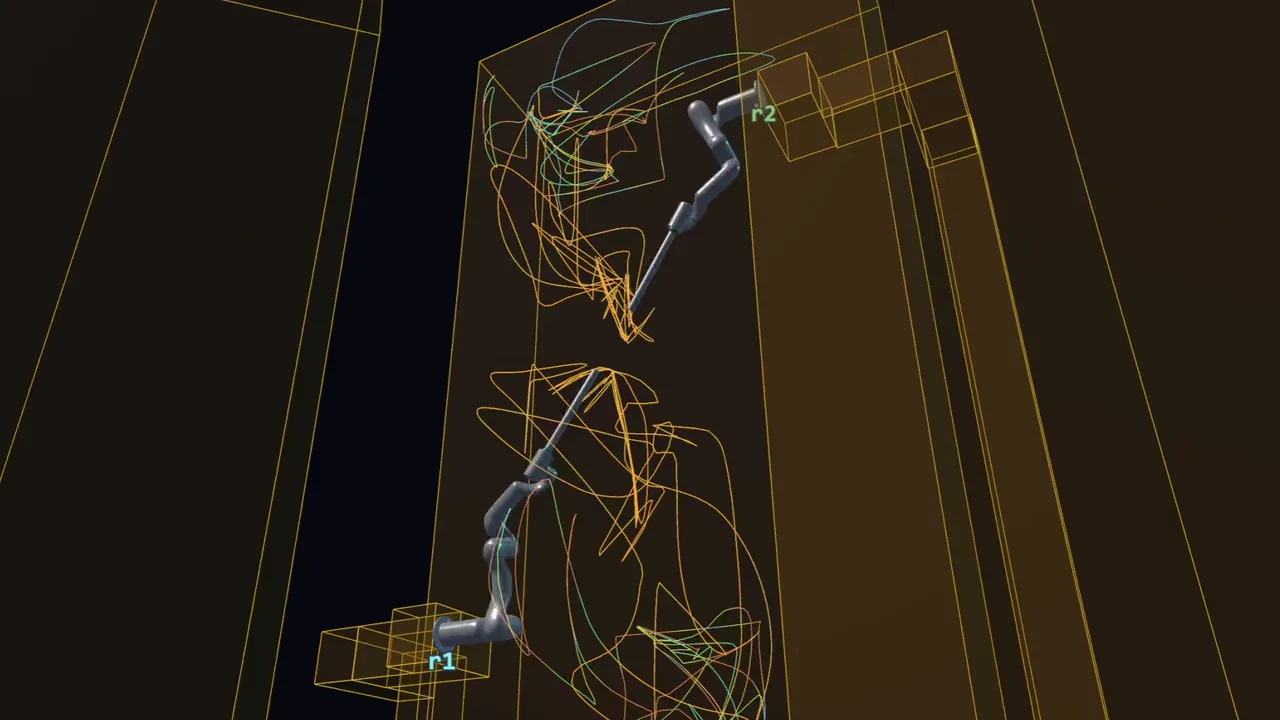
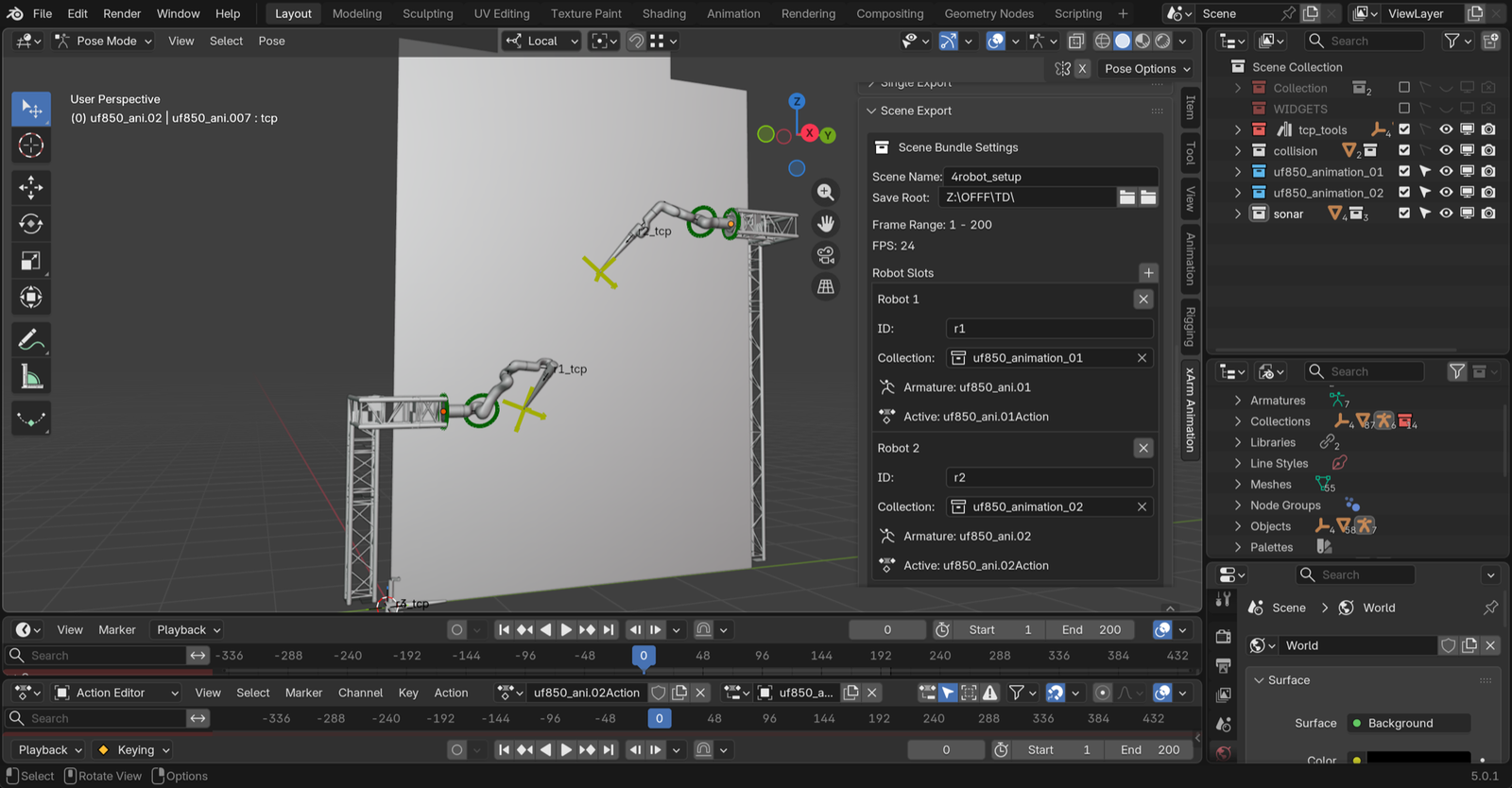
An animator keyframes the arms in Blender on an FK/IK rig. A plugin bakes the motion and exports it with the robot and environment geometry as a scene bundle. The control server imports that bundle, proves it in a physics simulation, and only then streams it to hardware, while a TouchDesigner client reads live robot state back into the visuals.
The gate
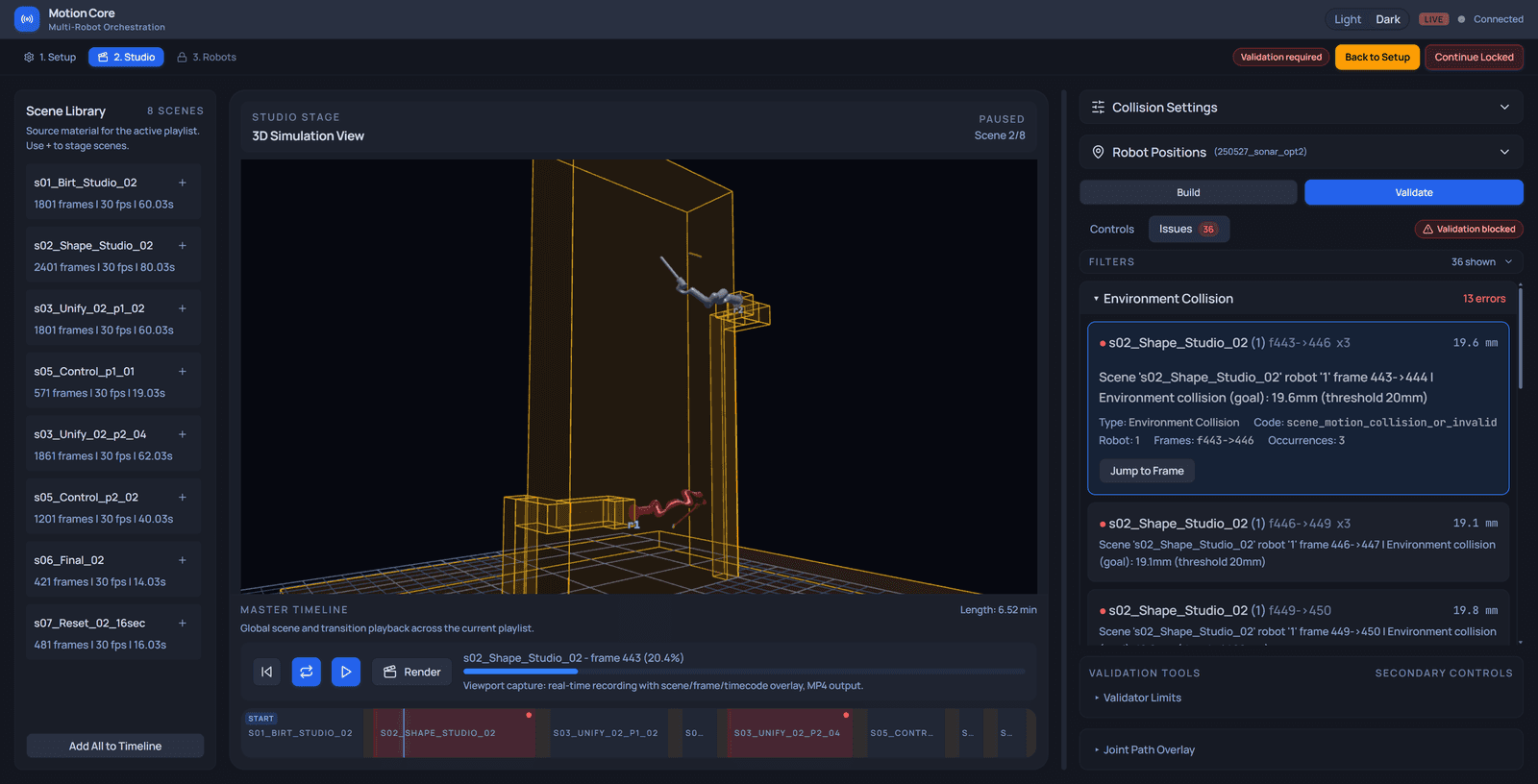
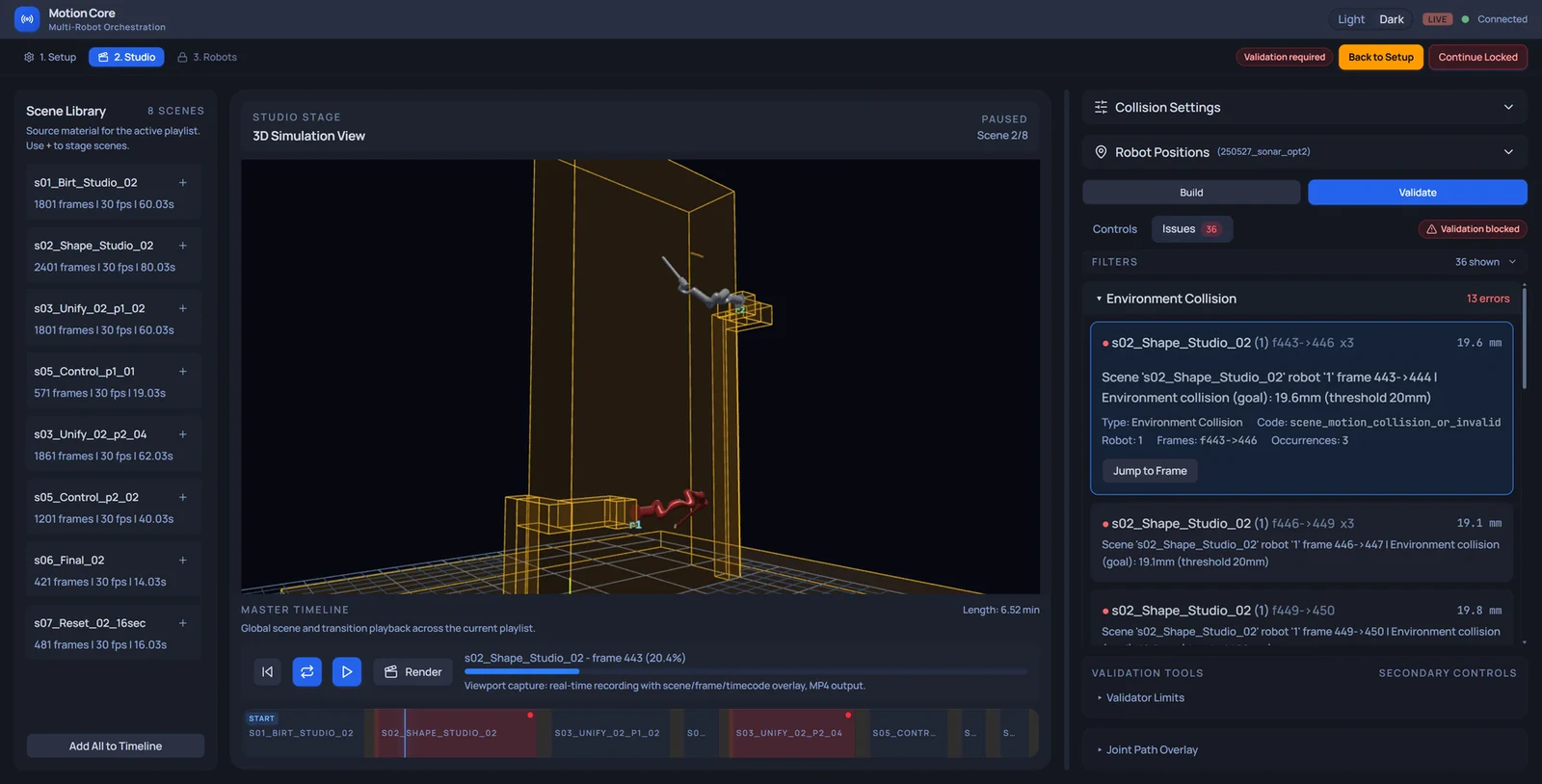
On this path, no move reaches a real arm until it has been proven in simulation. Every
frame, not sampled keyframes, against collisions with the environment and with
itself, joint speed, tool-tip speed, and the blends between scenes including
the loop seam. Failures name the frame, the measured value and the limit: a
near-miss reads 19.6mm (threshold 20mm). Serious ones block playback; minor
ones warn.
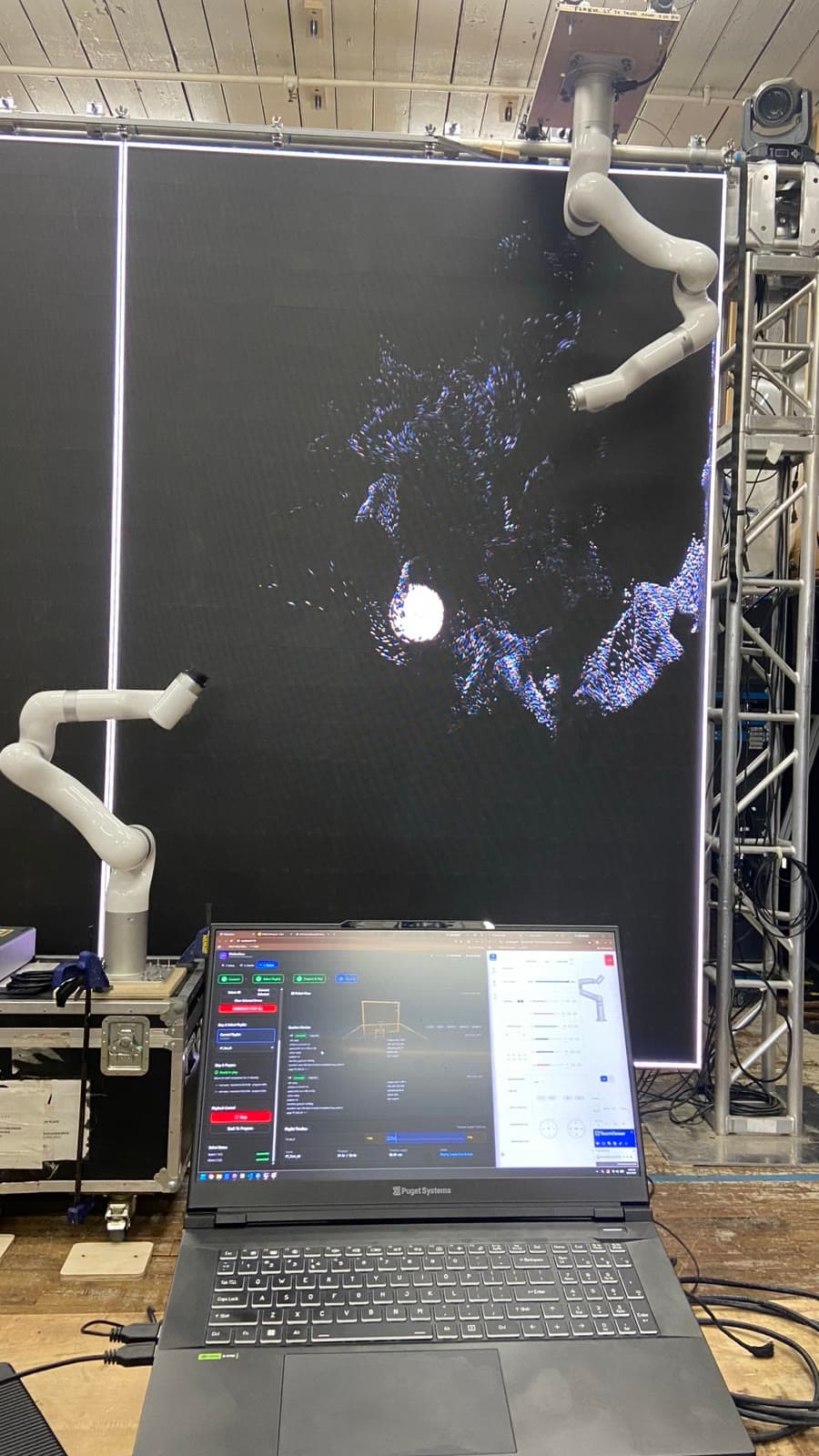
The strictest rule came out of studio testing. The move sending an arm from wherever it was to a scene's start pose was not held to the same validation as the scenes themselves. In one test it took an unchecked path and the tool hit the screen. That move is now a two-stage operation that dry-runs its exact route in simulation and executes only the approved path.
Live
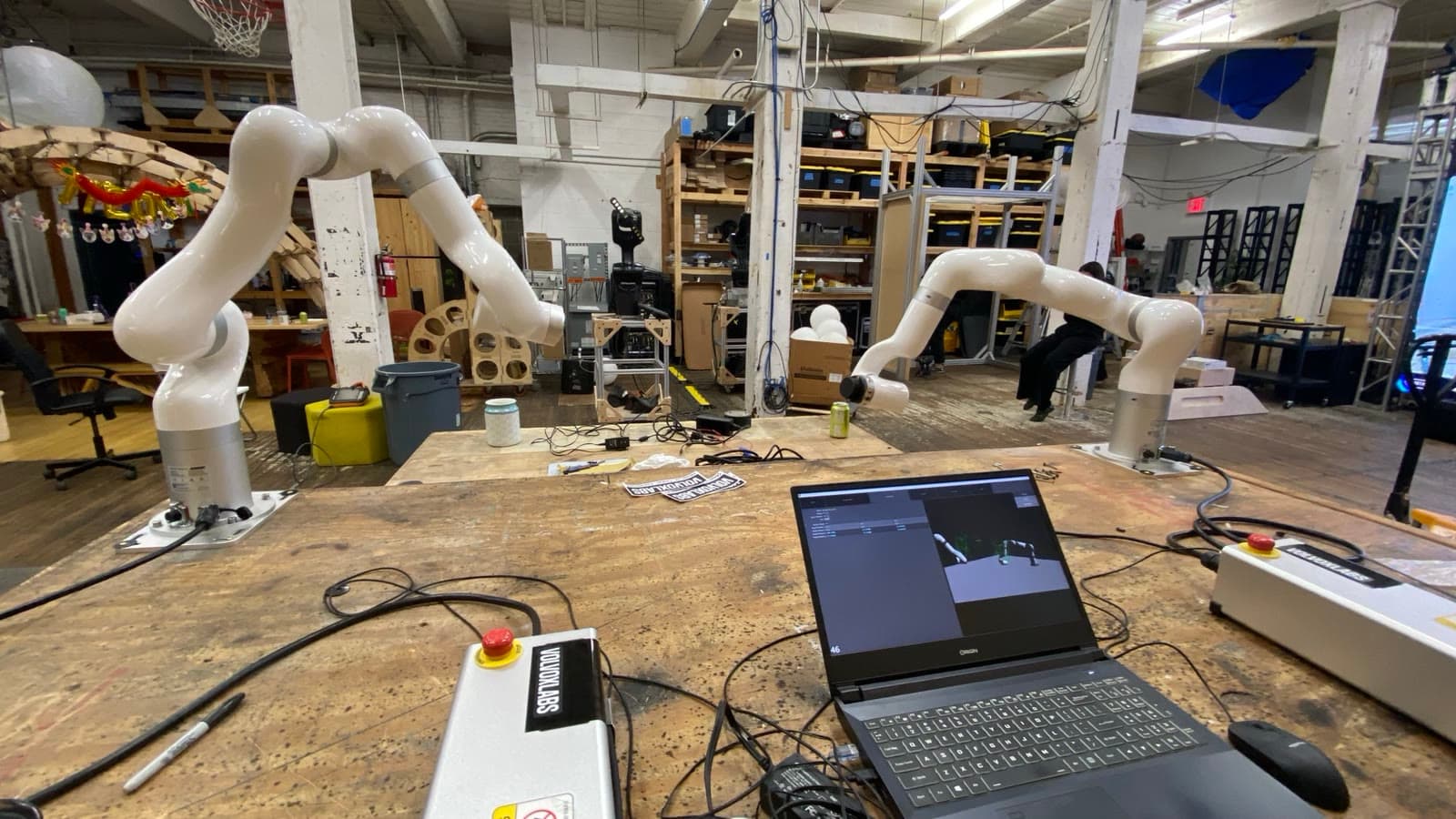
Commands stream to each arm at 100 Hz with automatic reconnection, so one slow link never stalls the others. Motion-Core alone holds command authority; every other client, TouchDesigner included, reads telemetry only. A Prometheus and Grafana stack watches robot connectivity and service health across the run.
Production IK and collision checking run on PyBullet. I evaluated GPU-based planning with cuRobo against it; it stayed a research spike, written up in Studies.
- Role
- Creator and sole engineer. Blender exporter, control server, TouchDesigner twin
- Built with
- Python · PyBullet · xArm SDK · WebSocket · React · Docker · Blender
- Ran
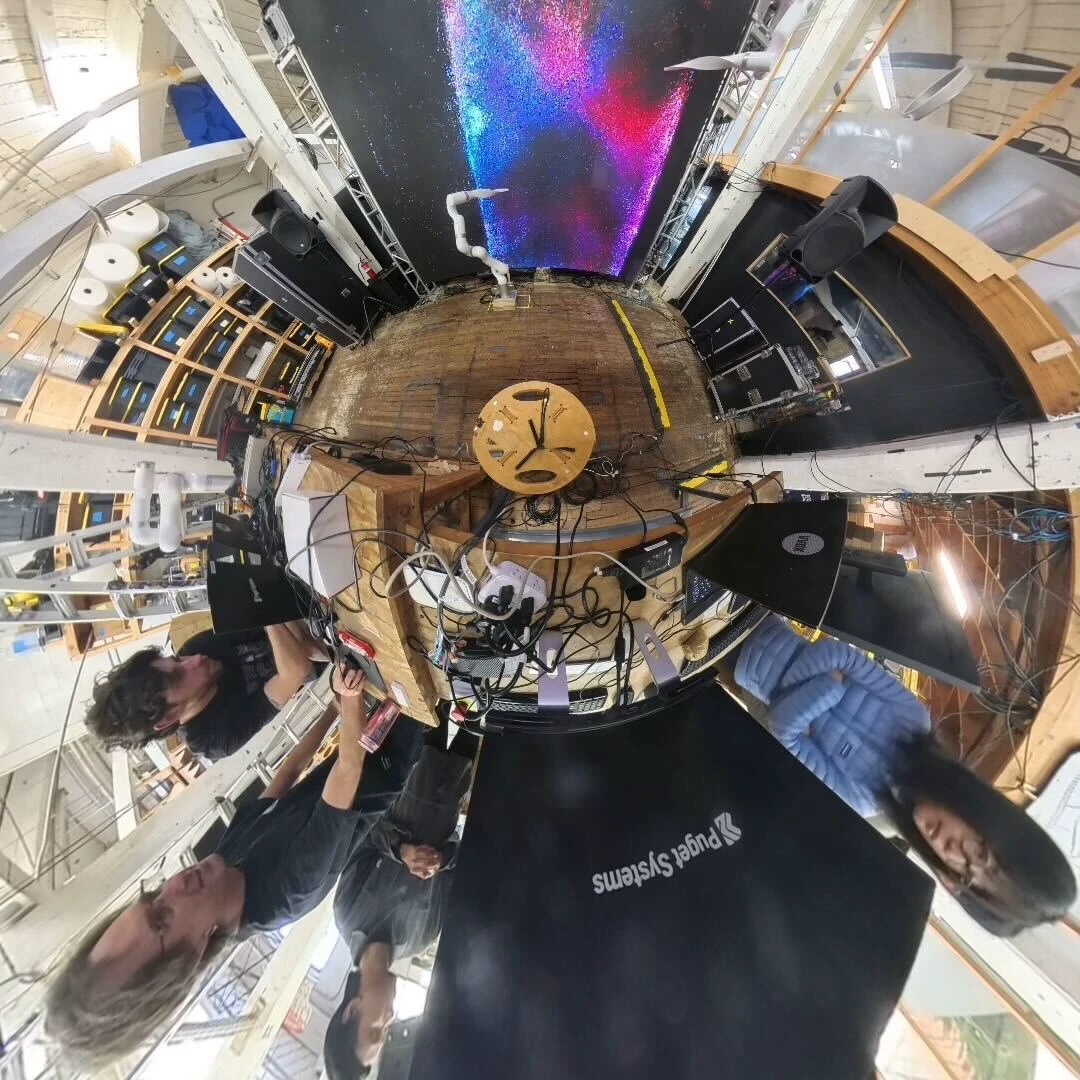
- 4 arms at OFFF Barcelona · 2 each at Sónar+D and Vibecon, unattended across 2–3 day installs
- Seen in
- Astral Twin, the installation it drove
- Authoring
- xArm Blender Animation, rig setup, limit validation, scene-bundle export · Houdini Robot Toolkit, curve-driven, exports the same joint CSV
- Source
- Company-owned and private. This page describes architecture and engineering decisions, not implementation.
Gallery